Servas
| Item | Value |
|---|---|
| Computer | $1600 |
| Phone | $12 |
| Pipe | $1 |
| Column 1 | Column 2 |
|---|---|
| centered | right-aligned |
- Markdown
- Text-to-HTML conversion tool
- Authors
- John
- Luke
Footnotes
Some text with a footnote.1
The Gamma function satisfying \(\Gamma(n) = (n-1)!\quad\forall n\in\mathbb N\) is via the Euler integral
Abbreviations
Markdown converts text to HTML.
Markdown converts text to RATP
Lists
- Item
-
Item
- Item
-
Item 1
- Item 2
-
Item 3
-
Incomplete item
- Complete item
Marked text.
Styling
Emphasize emphasize
Strong strong
Marked text.
Mistaken text.
Quoted text.
H12O is a liquid.
210 is 1024.

https://www.ndu69.com/Screenshots/Screenshot From 2025-08-11 23-24-39.png
A self-hosted bookmark management tool.
Servas is based on Laravel and Inertia.js and uses Tailwind CSS and Svelte for the frontend.

Features
- Tags: Organize your bookmarks with tags.
- Groups: Group your bookmarks. Groups can be nested.
- Smart Groups: Group your bookmarks based on their belonging tags.
- Firefox and Chrome browser extension: Add sites to Servas right from your browser.
- Multiple users: You can create multiple user accounts.
- Responsive design: Servas looks good on all your devices.
- Import/Export: Support for JSON and HTML bookmarks.
- Dark/light theme.
- Two Factor Authentication available.
How to install
Docker
Servas is available as an official Docker image.
The preferred way to use Servas is with SQLite. This variant does not need an additional database container.
You can find the example files here:
The Docker image also supports MySQL and MariaDB.
You can find the example files here:
Initial steps:
- Create
.envfile in the directory where thecompose.yamlis located. - Copy the content of the example env file into the
.envfile. - Change the
APP_URL. - Use a strong password for the
DB_PASSWORDsetting (only required if Servas is used with MariaDB). - Start the containers with
docker compose up -d. - Generate the application key:
docker exec -it servas php artisan key:generate --force
- Restart the containers with
docker compose restart. - Open your browser and create a user account at https://your-servas-instance/register.
Manual
Requirements:
- PHP 8.3
- MariaDB, MySQL or SQLite
- Git
- Node.js
-
Composer
-
Clone the repo.
- Install the Composer packages.
composer install --optimize-autoloader --no-dev
- Install the npm packages.
npm install
- Compile the assets.
npm run build
- Create
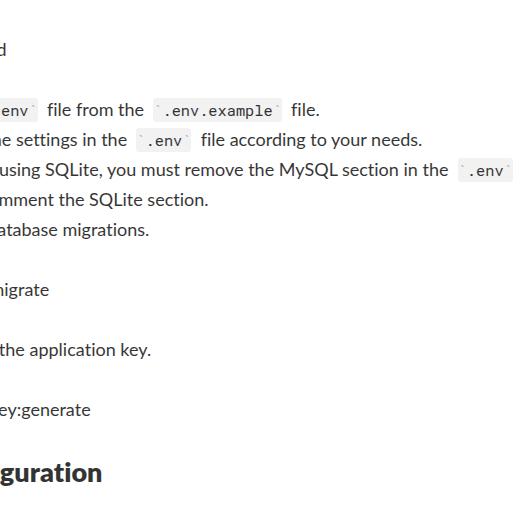
.envfile from the.env.examplefile. - Change the settings in the
.envfile according to your needs. - If you are using SQLite, you must remove the MySQL section in the
.envfile and uncomment the SQLite section. - Run the database migrations.
php artisan migrate
- Generate the application key.
php artisan key:generate
Configuration
You can change some application settings in the .env file.
Description
.env key
Options
Enable/Disable user registration
SERVAS_ENABLE_REGISTRATION
true/false
Show/Hide version number in profile dropdown
SERVAS_SHOW_APP_VERSION
true/false
After making changes to the .env file, you must restart the application container.
User Guide
Register a new user at https://your-servas-instance/register.
Browser Extensions
Firefox and Chrome: https://github.com/beromir/servas-extension
Screenshots
Visit the website.
-
The footnote. ↩